nemo-dropbox
Latest reviews

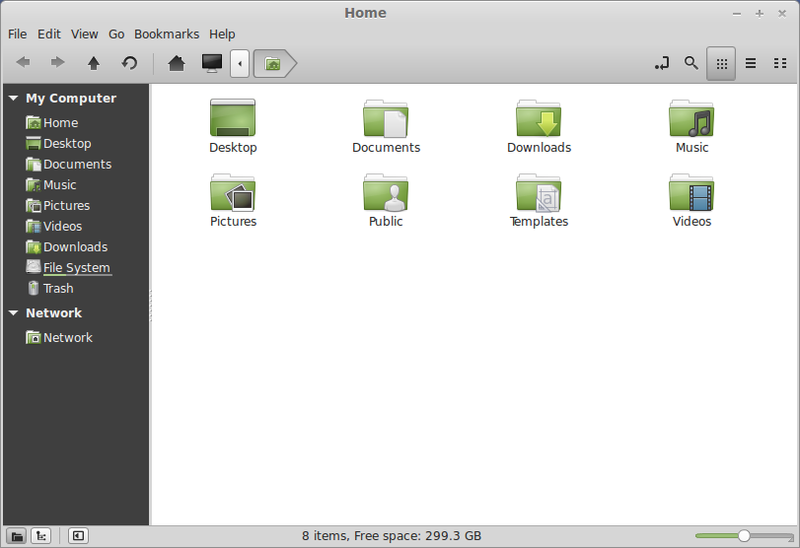
Didn't appear to be working (much like in the screenshot above, weird choice guys), then I restarted and ta-dah. Now in my nemo UI, my Home listing goes Desktop, Documents, Downloads, Dropbox, and from there I was able to get it into the left nav bar under Bookmarks. Oh - AND I can see and manage my Dropbox stuff through the command line, which I didn't even expect! PS: In Jan 2026 I installed it through Software Manager no problem.
It needed to be installed via command line and NOT via Software Manager -- which hangs on install because of a missing package. But installs from the command line and works just fine.

How's it even supposed to be used? It's marked as installed (19.2) but I can't find anything in either the file context menu or any of the top level menus, or a virtual folder in the hierarchy. I'm using the regular Dropbox application to sync a folder. Even the screenshot above doesn't show how it's supposed to work.
O Dropbox é a melhor solução para fazer backup dos seus arquivos pessoais na nuvem e sincronizar entre os dispositivos.
Ótimo, já uso há muito tempo, mais de 2 anos e nunca tive problema nenhum.





Just installed. Works flawlessly under Linux Mint 17.1 (Cinnamon 64-bit). Very pleased. Use it to share files with Windows & Android.